
Mailpipe for iPhone
Your email infrastructure, in your pocket
Inbox, calendar, domains, and tenants — the full platform, native.

Native iOS
Everything Mailpipe does, on your phone
Real screenshots from the app — every screen below ships today.
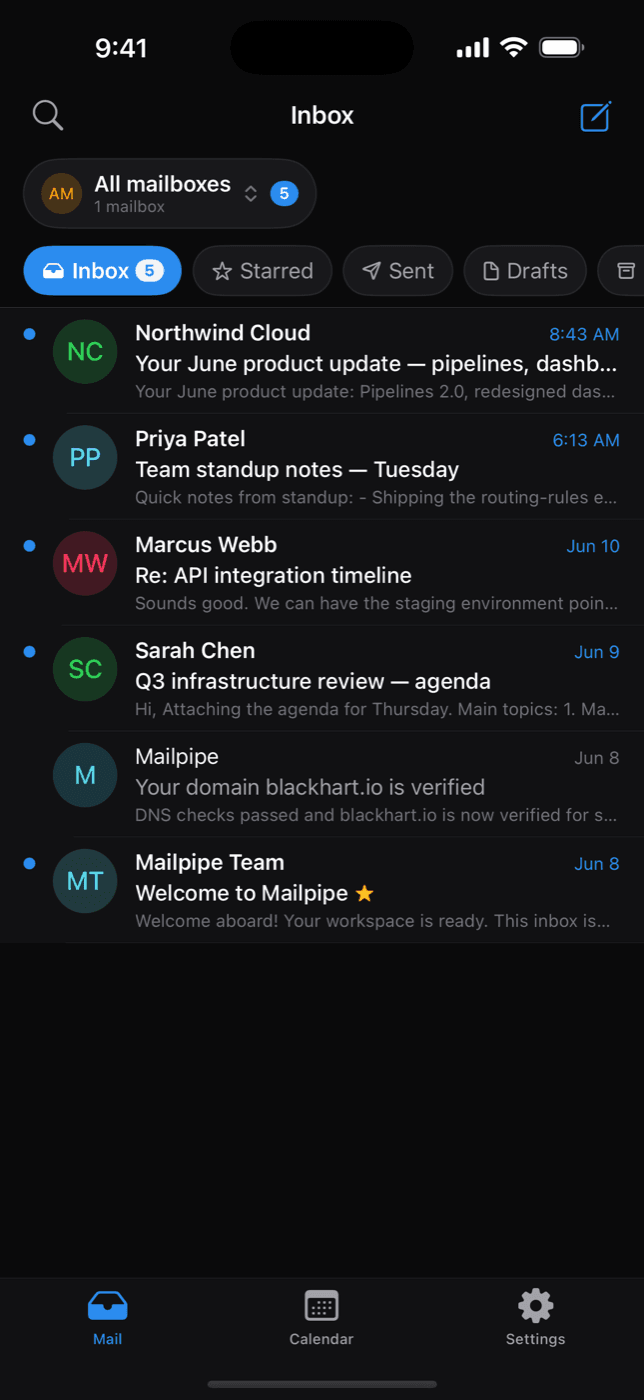
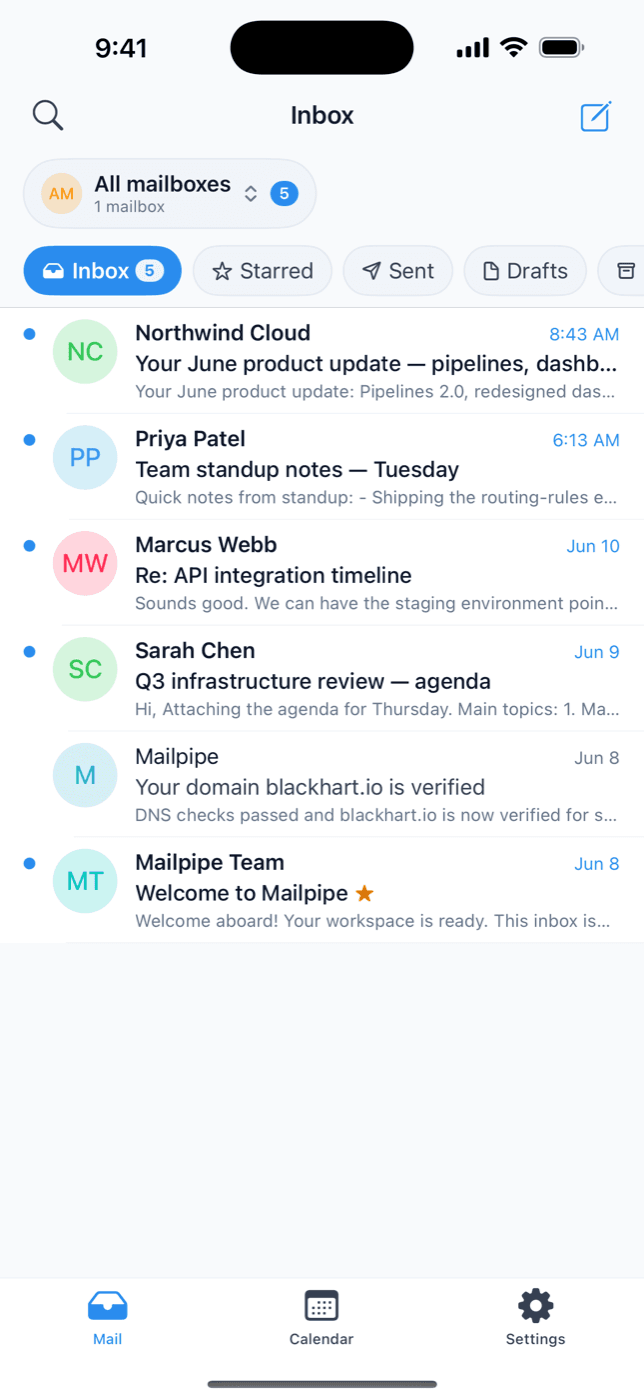
Unified inbox
Every mailbox on every domain in one stream — or focus on a single address with a tap.
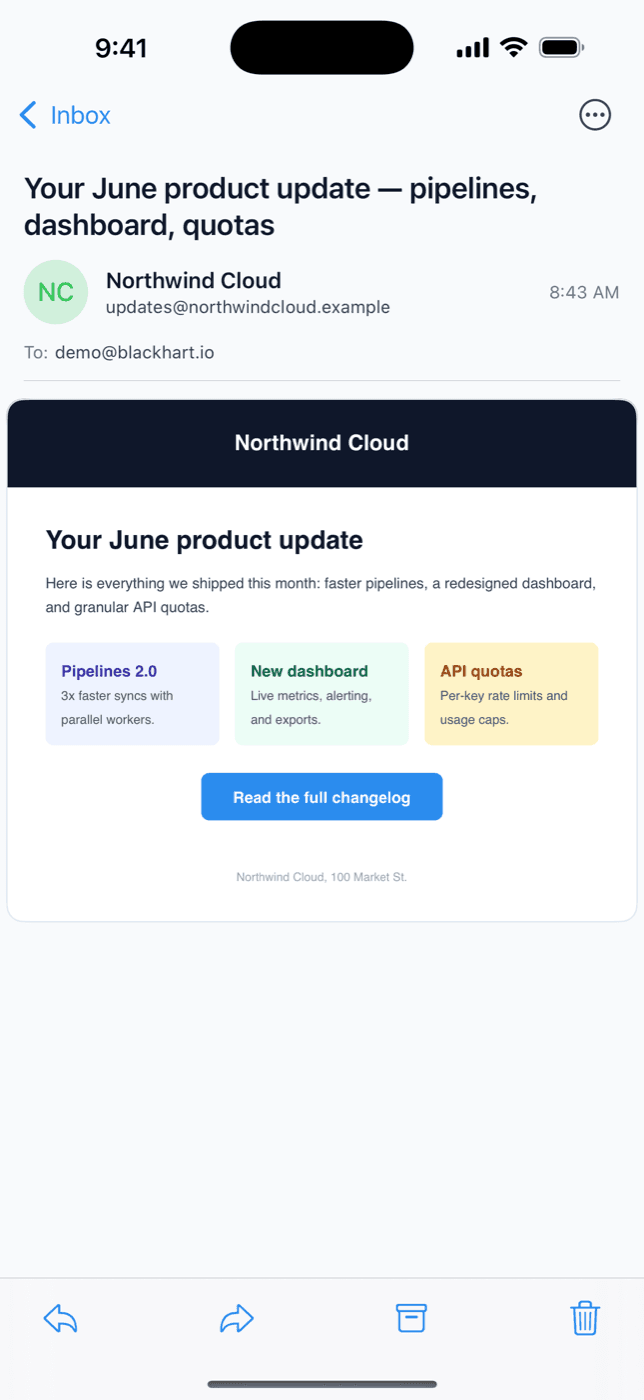
Reply in two taps
Read full HTML email and fire back a reply without leaving the thread.
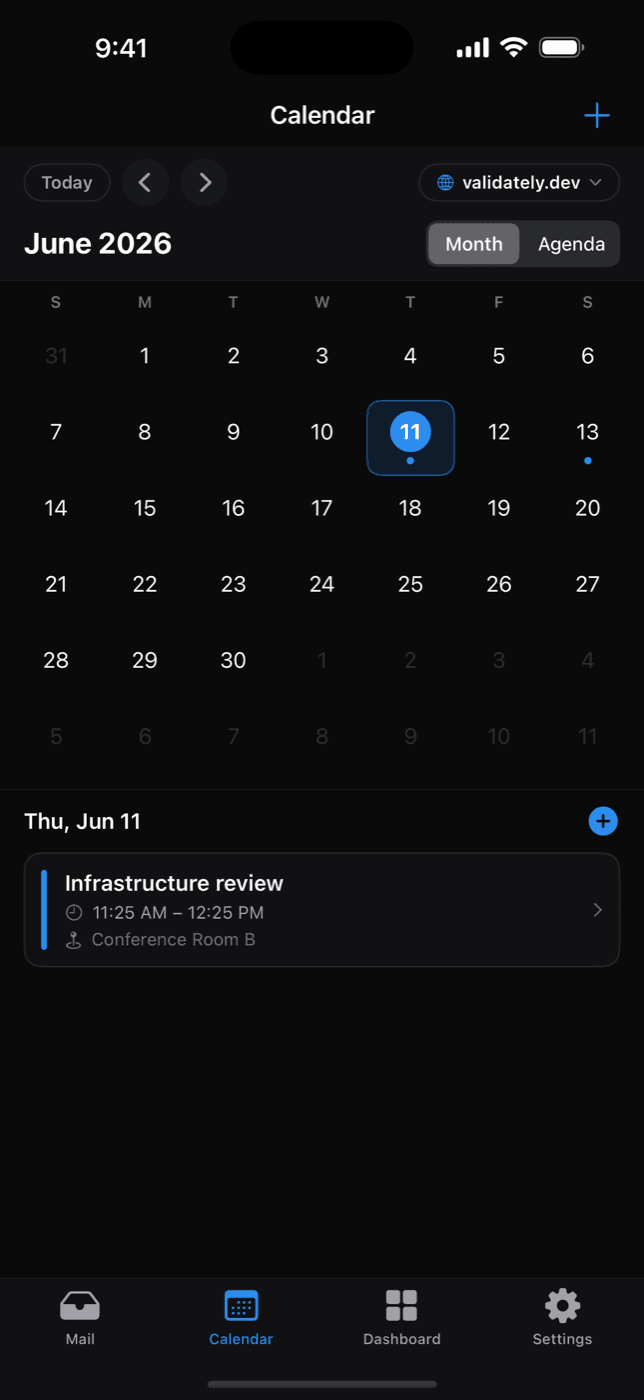
Calendar built in
Invites land as events automatically. See your week and RSVP right from your phone.
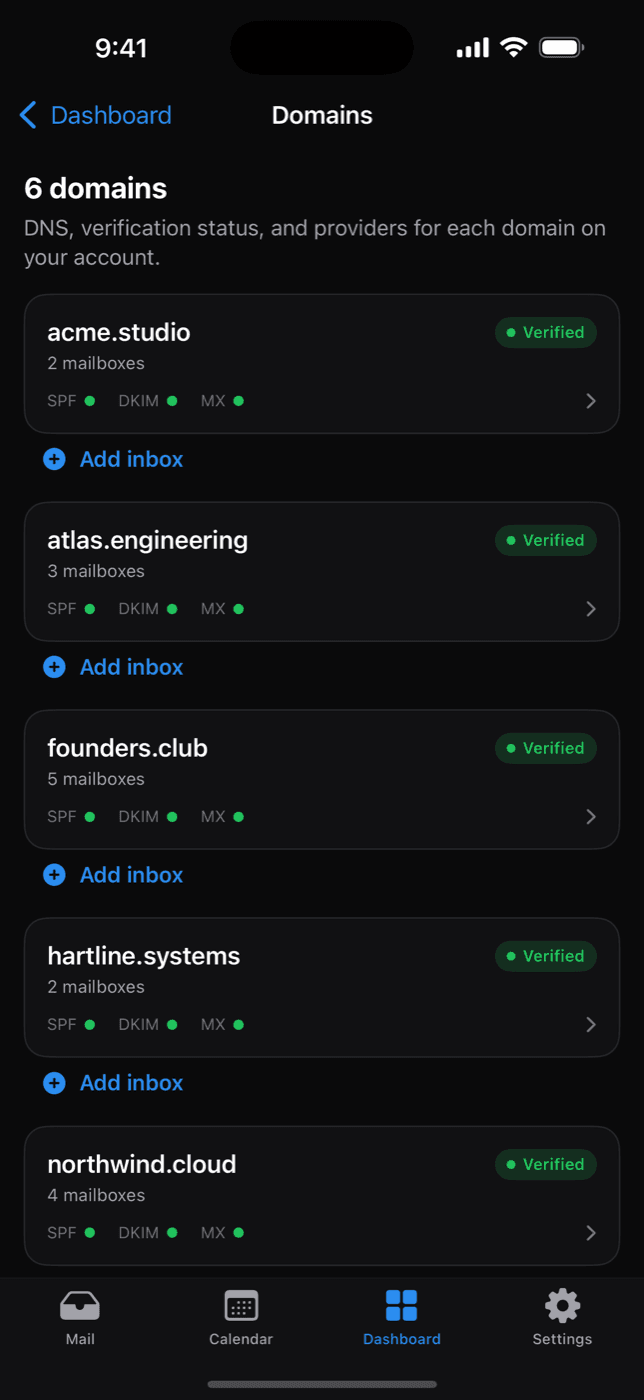
Run your domains
Check verification, SPF, DKIM, and MX health, and add inboxes to any domain from anywhere.
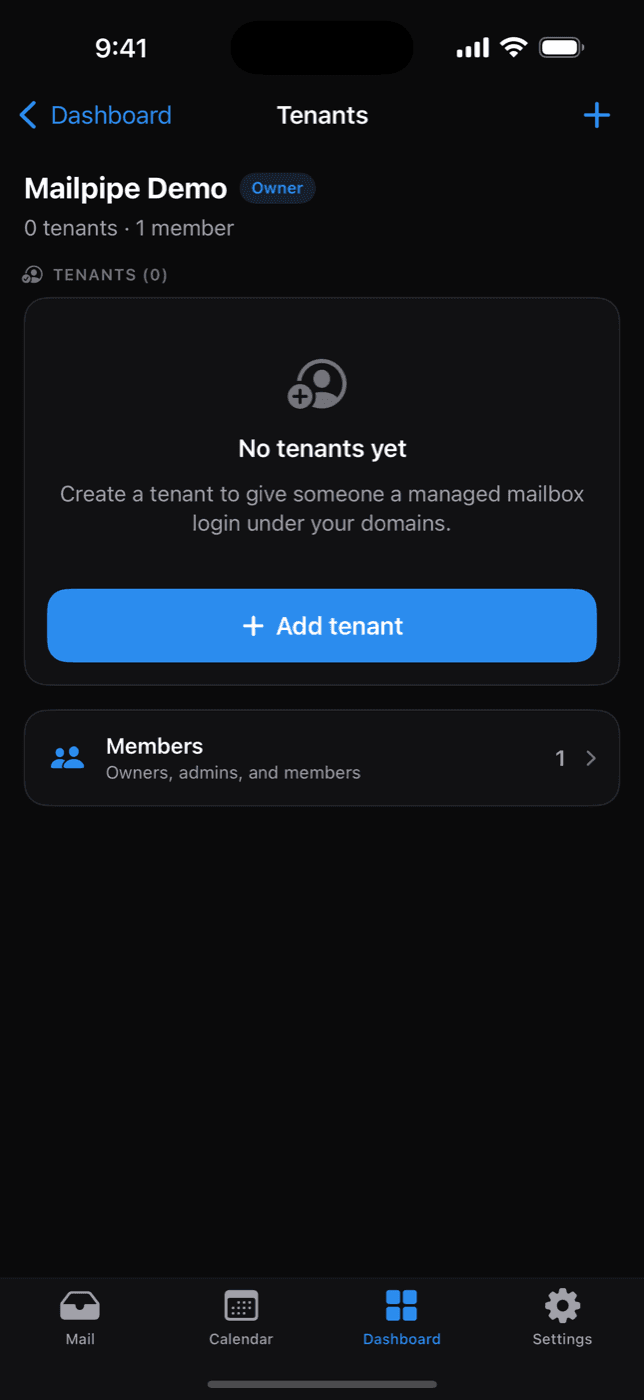
Invite tenants
Hand teammates and clients their own inbox on your domain — invites go out from the app.
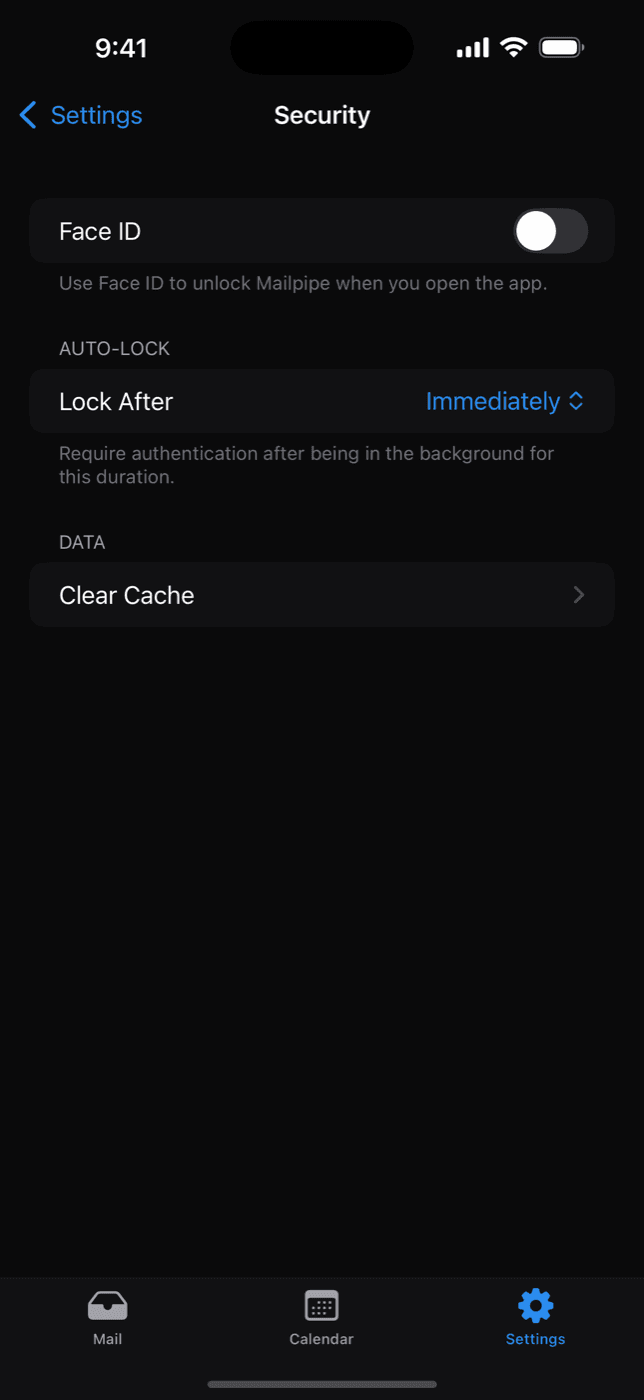
Private by design
Lock the app with Face ID. Your mail lives in your database — the phone is just a window.
Free on the App Store
Works with your existing Mailpipe account — sign in and your domains, inboxes, and calendar are already there.
No account yet? Create one free.